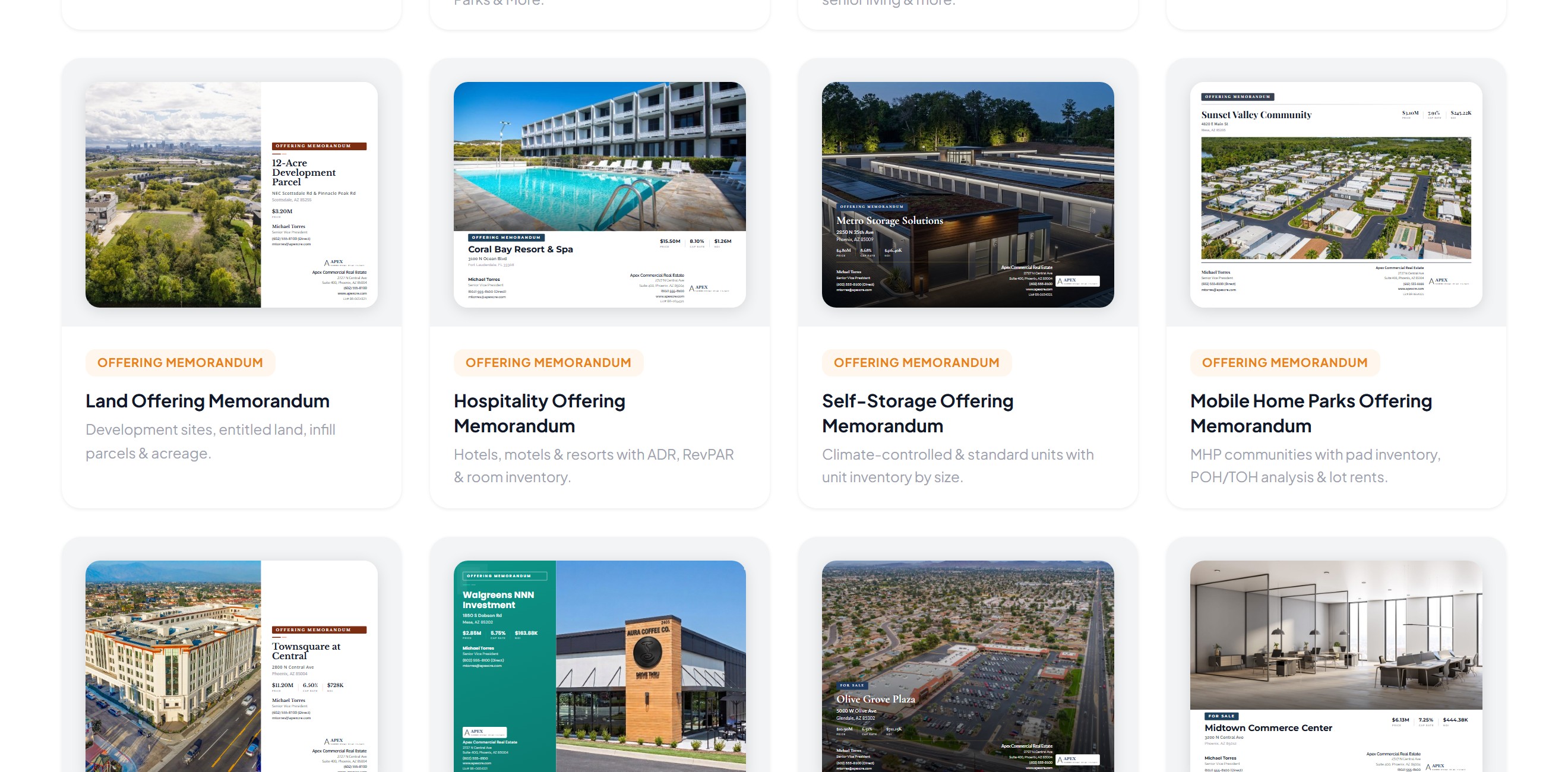
Send the full OM to every tire-kicker and you've handed your rent roll to people who'll never write an LOI. Send a one-page flyer to a buyer who's ready to underwrite and you've made them chase you for the numbers.
The right marketing material depends on where the buyer is in the deal. Here's a stage-by-stage checklist of what to send, what to hold back, and what each piece needs to do.
The short version
| Stage | Send | Hold back |
|---|---|---|
| 1. Win the listing (the seller) | BOV, comps, your marketing plan | Nothing. Show off |
| 2. First touch (your market) | Flyer or teaser, website link, launch email | Rent roll, T-12, leases |
| 3. Interested buyer | The OM | Tenant-level detail, if confidential |
| 4. Serious buyer | Deal Room: rent roll, T-12, leases, reports | Nothing they need to price it |
| 5. Offers (shortlist) | Call-for-offers instructions, updated OM | Other buyers' offers |
| 6. Closed (your market) | Status update, the closed deal on your track record | Confidential deal terms |
Stage 1: Win the listing
Before there's a buyer, there's a seller deciding which broker to hire. Your materials here are a pitch.
- Broker opinion of value (BOV) with a clear pricing rationale and comps
- A sample of your marketing: a past OM, flyer or property website that looks like the big shops made it
- Your marketing plan for this property: who the buyers are and how you'll reach them
Sellers judge your marketing by your marketing. Walking in with a polished BOV from CREBuilder's BOV builder, with your logo and colors on every page, says more than any promise about "maximum exposure." And if your Listing Hub already shows your sold deals, the track record is one link away.
Stage 2: First touch
The goal is to get the right buyers to raise a hand. Give them just enough to qualify themselves.
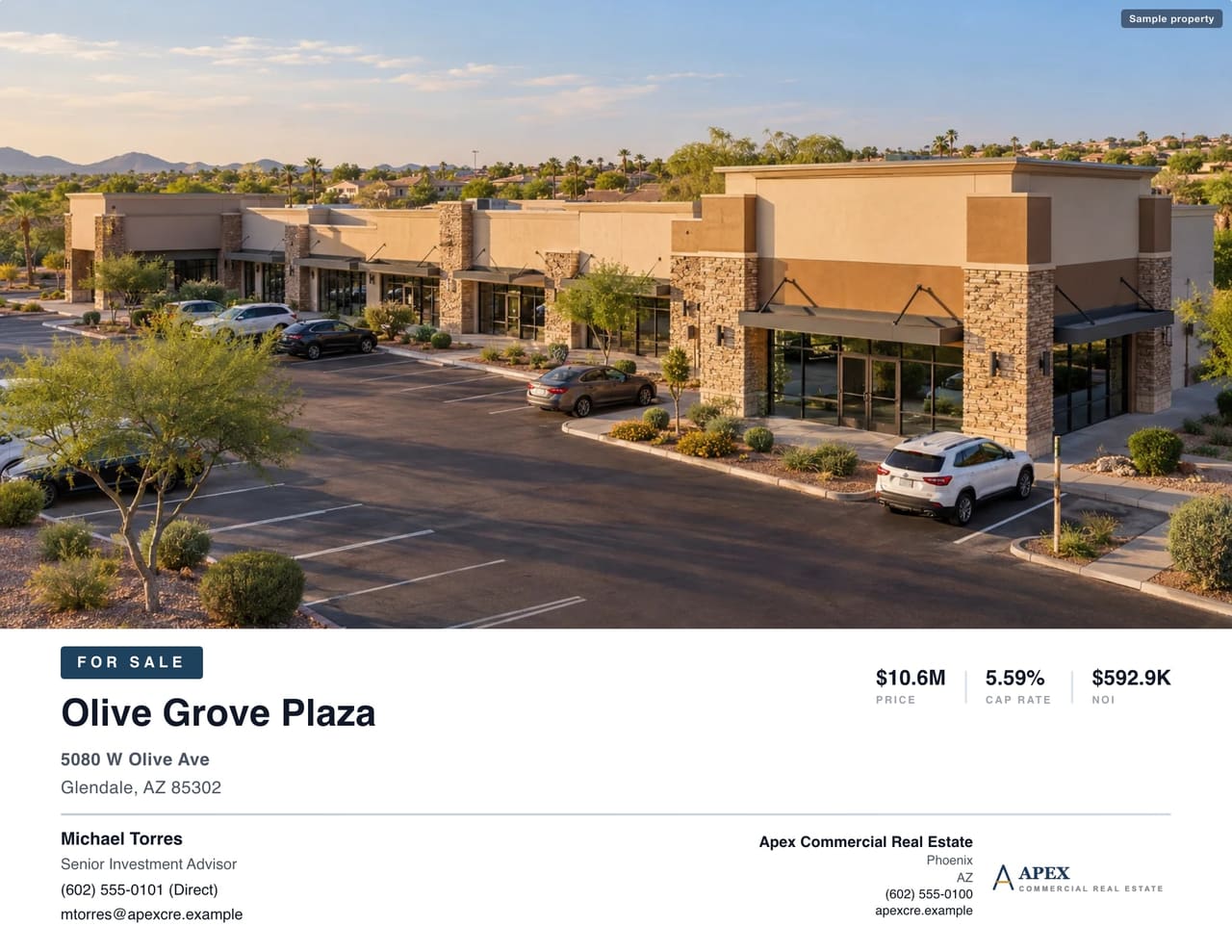
- Flyer or sales teaser: property, location, price, cap rate, NOI, one strong photo, broker contact
- Property website: one link with photos, the map, highlights and a way to request the OM
- Launch email to the buyers whose criteria fit, with the property website link
- Social post with the best photo and the link
- Listing syndication so marketplace buyers find it too
Hold back the rent roll, T-12 and lease abstracts. If they want those, they'll ask. And asking is the hand-raise you want.
Stage 3: Interested buyer
They've seen the teaser and want more. Now they get the full story.
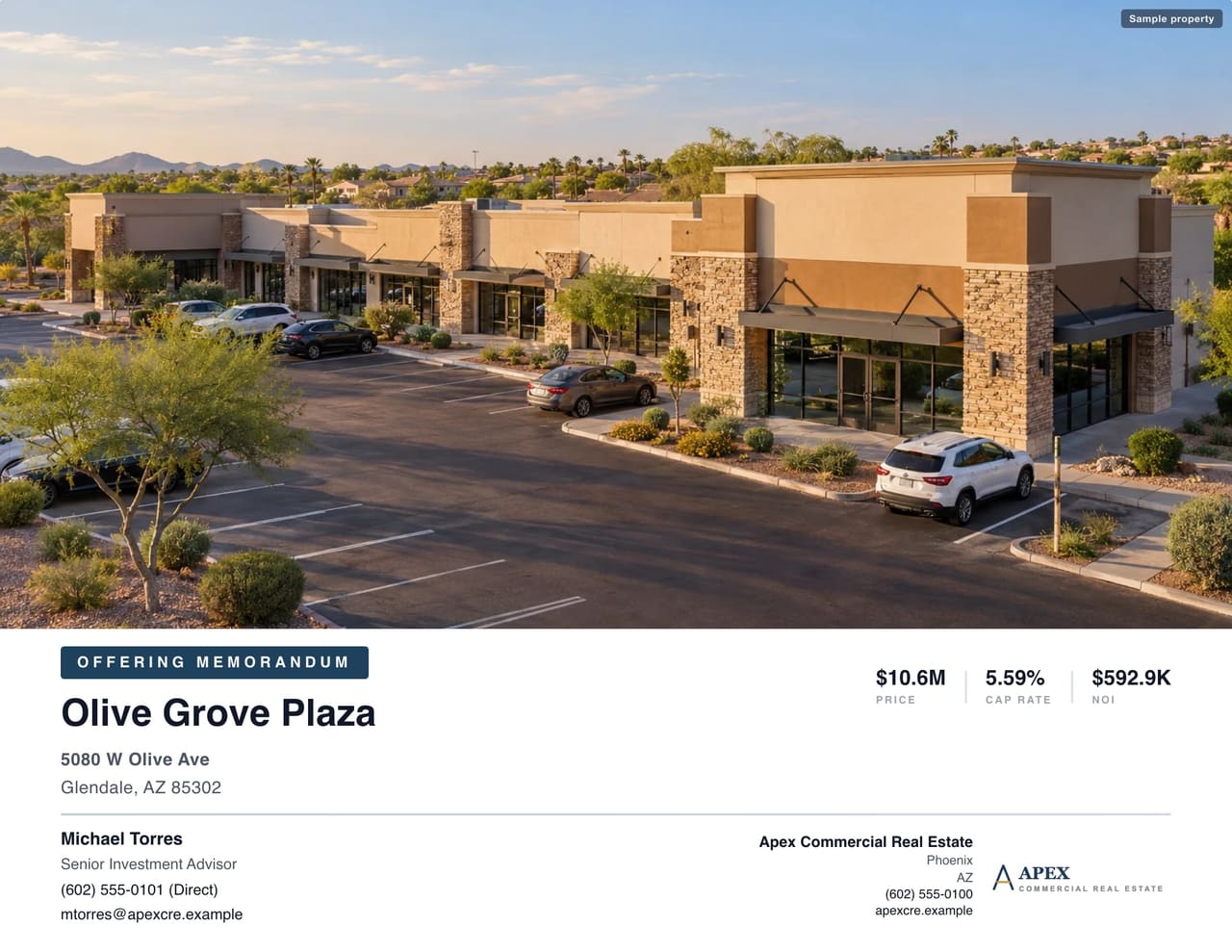
- Offering memorandum: executive summary, property details, financials, rent roll summary, tenant profiles, location maps, demographics and market overview
- Access gate on the OM: email required at minimum, or a signed NDA for anything confidential
- A follow-up call within a day of the request
Make sure the numbers in the OM match the teaser and the website exactly. The easy way: build the OM first, then convert it into the teaser and flyer in one click, so every piece starts out with identical numbers. Converted documents are separate copies, so if the price changes, update each piece the same day.
Stage 4: Serious buyer
Now they're underwriting. Slow them down with missing documents and you'll lose them to the next deal.
- Rent roll (current, dated)
- T-12 and prior-year operating statements
- Leases and amendments, or lease abstracts
- Third-party reports you have: survey, Phase I, property condition, title
- Signed NDA before any of it opens
A Deal Room keeps all of this behind an e-signed NDA, and you can approve each buyer before the files unlock. PDF downloads carry the buyer's identity. You see which buyers opened which files and how often, and you can revoke access when a buyer drops out. The buyer who's opened the rent-roll file three times this week is the one to call.
Stage 5: Offers
- Call-for-offers instructions: deadline, what an LOI must include, where to send it
- Updated OM or addendum if anything changed since launch
- Answers to the questions every buyer asked, sent to everyone at once
Stage 6: Under contract and closed
Your marketing doesn't stop at the contract. Every closed deal is material for your next listing pitch.
- Update the status on your property website and pull it from syndication
- Tell the buyers who didn't win. They're your first call on the next one
- Keep the closed deal visible as part of your track record
In CREBuilder's Listing Hub, a Sold listing stays up as part of your track record and drops off syndication automatically. Your next listing pitch gets stronger with every close.
Leasing works the same way
Swap the buyer for a tenant or tenant rep and the stages still hold: a lease flyer and property website first, a leasing package with floor plans and rates for interested tenants, then proposals and lease documents for the serious ones.
Build every piece from one property
The hard part of this checklist isn't knowing what to send. It's producing every piece without retyping the same numbers over and over. In CREBuilder, you build the OM once and turn it into the teaser and flyer in a click. On Pro, the same document becomes the property website, the listing becomes the email blast, and every inquiry, NDA signature and Deal Room download lands in your CRM with the property attached. Start with the piece every stage depends on. Build your first OM free.
Sample properties shown.