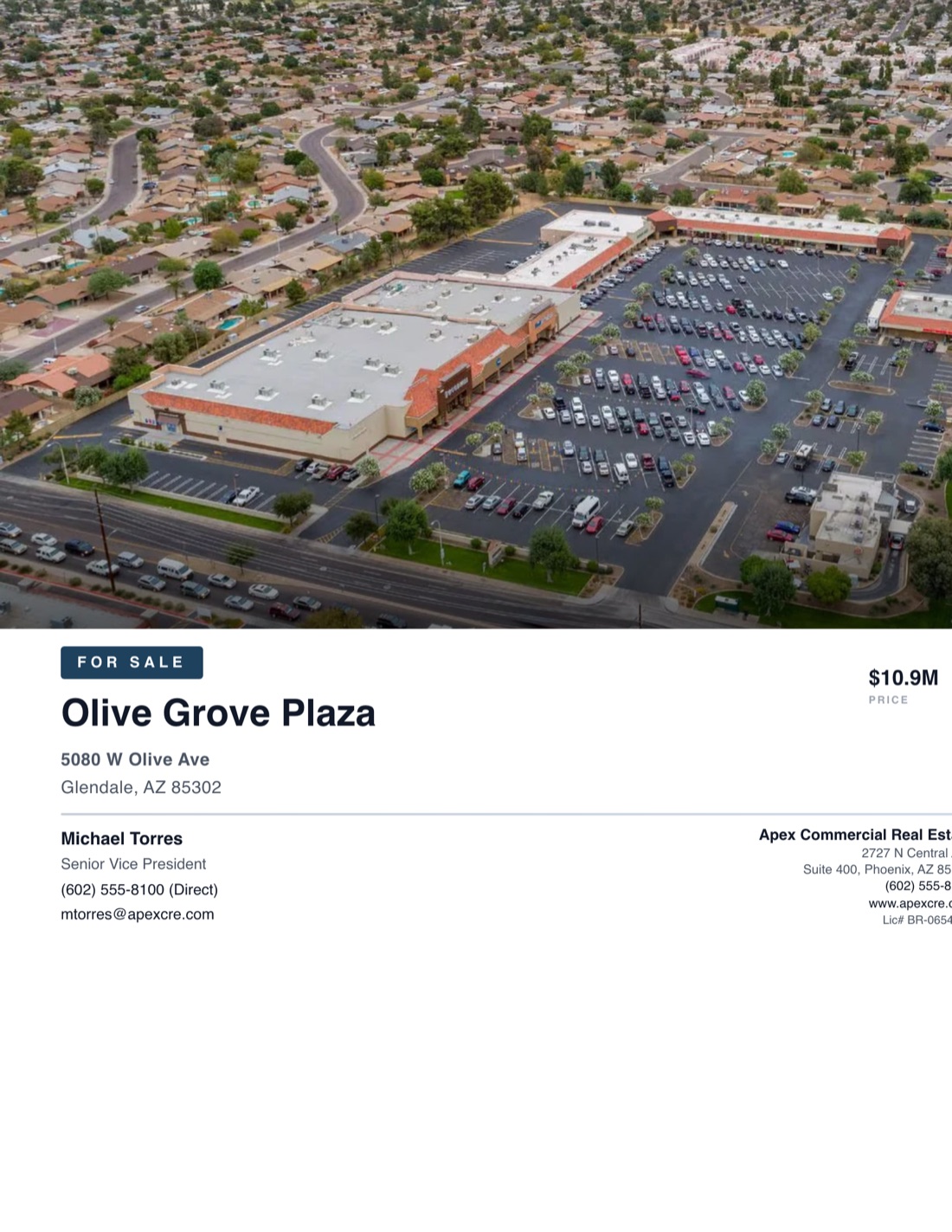
A buyer gives your flyer about three seconds. What is it, where is it, what does it cost, who do I call. Nail those four and the phone rings. Miss one and the flyer goes in the pile with the rest.
Below are five real CREBuilder flyers (two for sale, two for lease, one multifamily) and why each one works. Steal the ideas, or build yours from the same templates.
What every good CRE flyer gets right
Before the examples, the short version:
- The offering is obvious. "For Sale" or "For Lease" sits right next to the property name.
- Three numbers, not thirty. Price, cap rate and NOI for a sale. Available SF, rate and number of spaces for a lease.
- One big photo. One strong image beats a collage of six small ones.
- The broker is easy to find. Name, direct line and email, readable on a phone and in print.
- Units are labeled. "$32.00 $/SF/YR" can't be misread. "$32" can.
Example 1: Retail center for sale
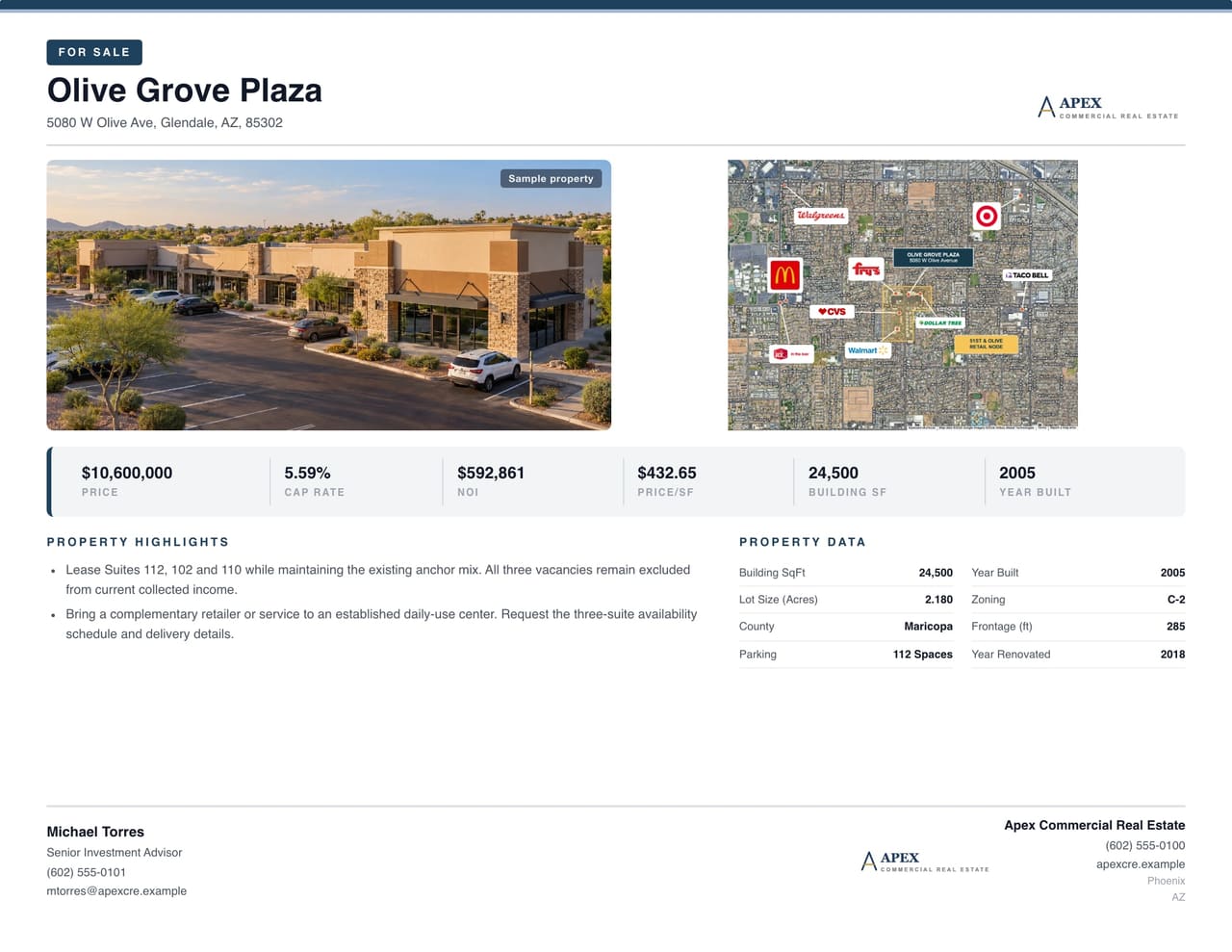
Why it works: The aerial does the heavy lifting. A buyer sees the parking field, the pad sites and the arterial frontage before they read a word. The investment summary sits in one line (price, cap rate, NOI), and the math ties out: $711.1K NOI on a $10.9M price is a 6.52% cap. The broker block and brokerage logo anchor the bottom, so the next step is never in question.
Use it for: Multi-tenant retail, shopping centers, pad sites. Anything where the location and the site plan are the story.
Example 2: The same center, for lease
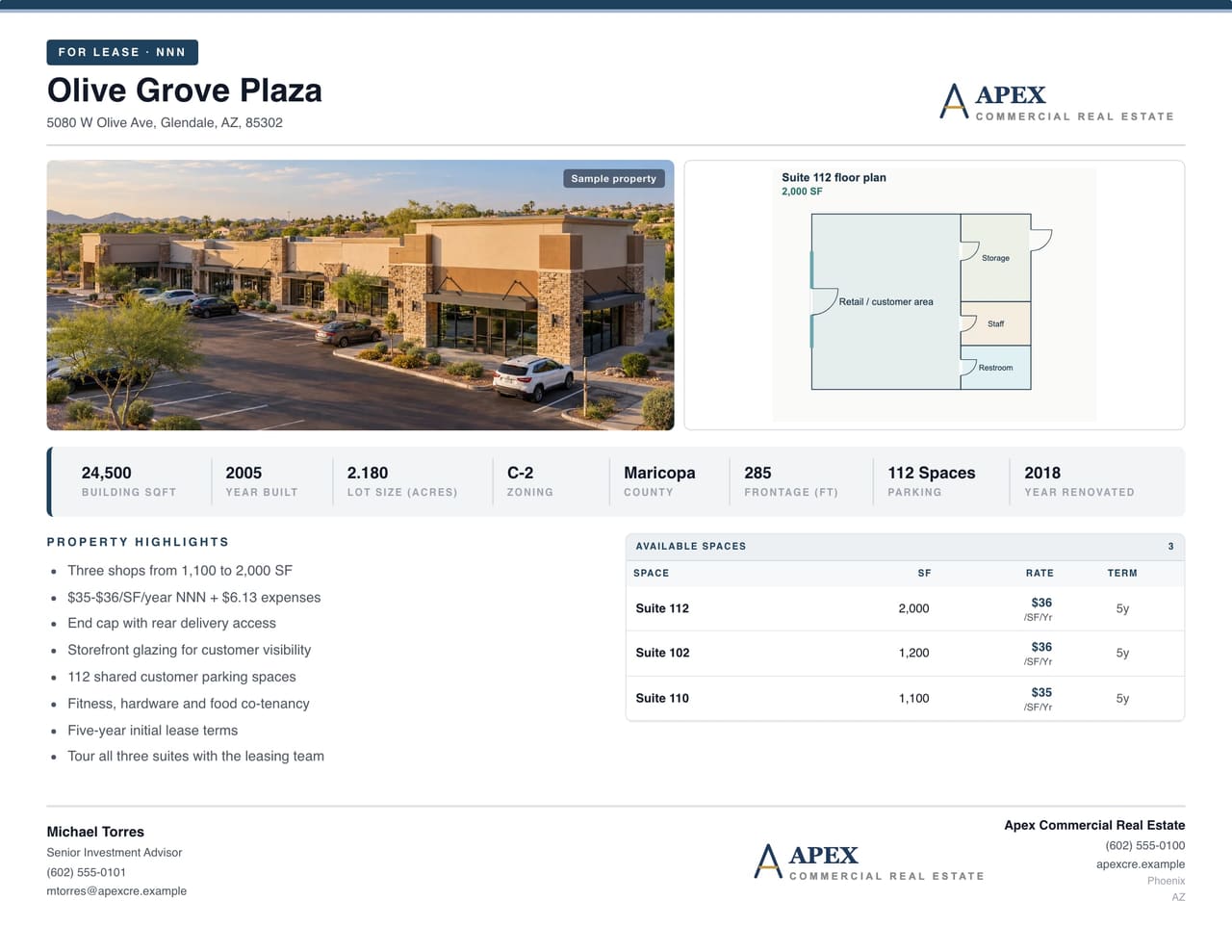
Why it works: Same property, different reader. A tenant rep doesn't care about cap rate. They want to know if the space fits. So the headline numbers swap to available square footage, the rate range with its unit ($/SF/YR), and how many spaces are open. Build both from the same property in CREBuilder and your photos, logo and brand colors match across the pair, so the sale and the lease-up look like one campaign.
Use it for: Shopping center and strip retail vacancies, especially when you're marketing the sale and the lease-up at the same time.
Example 3: Industrial building for sale
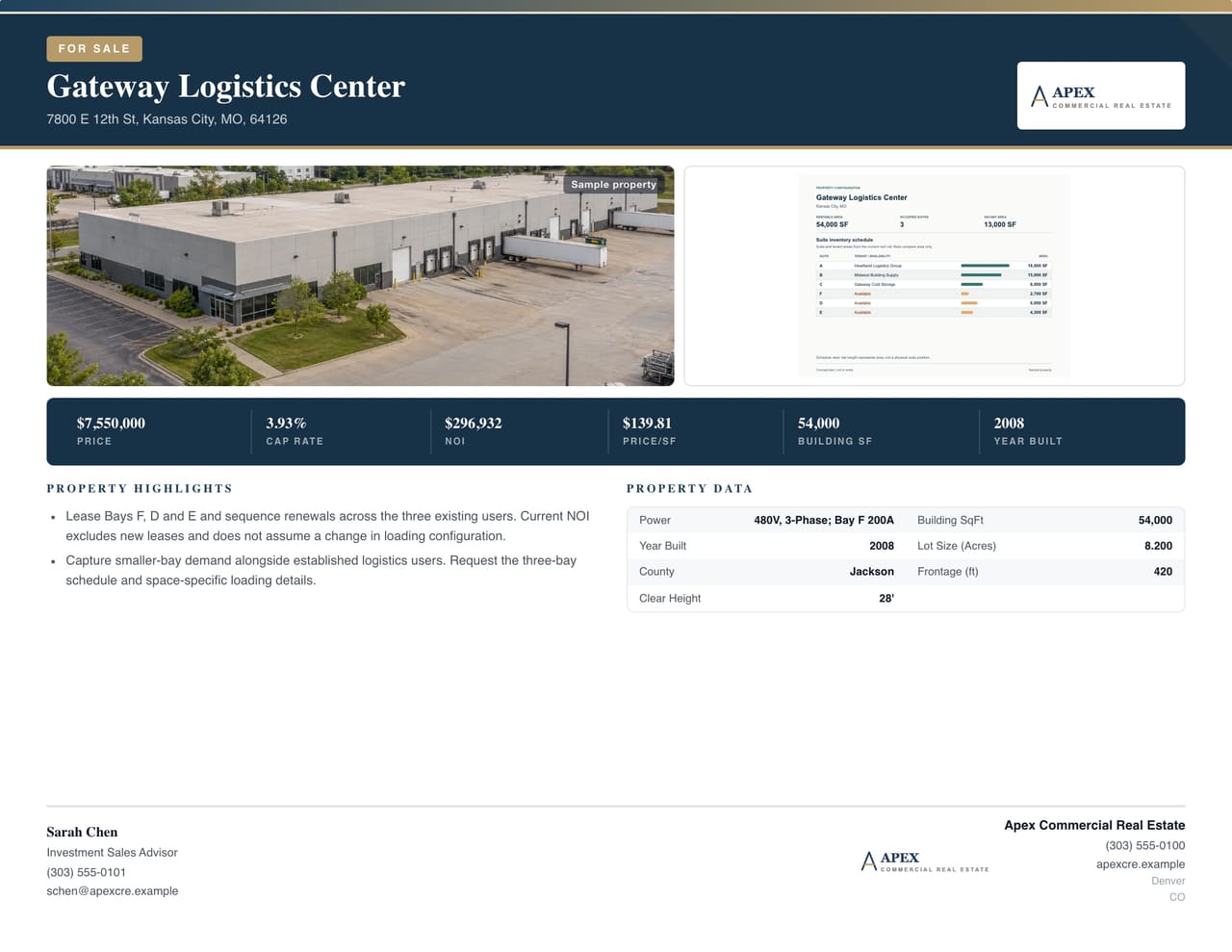
Why it works: A clean, light layout that lets a strong building photo breathe. The numbers sit to the right of the property name so the eye reads name, then deal. The design reads like an institutional shop made it, which matters when you're pitching an owner who's also talking to the big brokerages.
Use it for: Industrial, flex and office investment sales where the building itself is the selling point.
Example 4: Office suites for lease
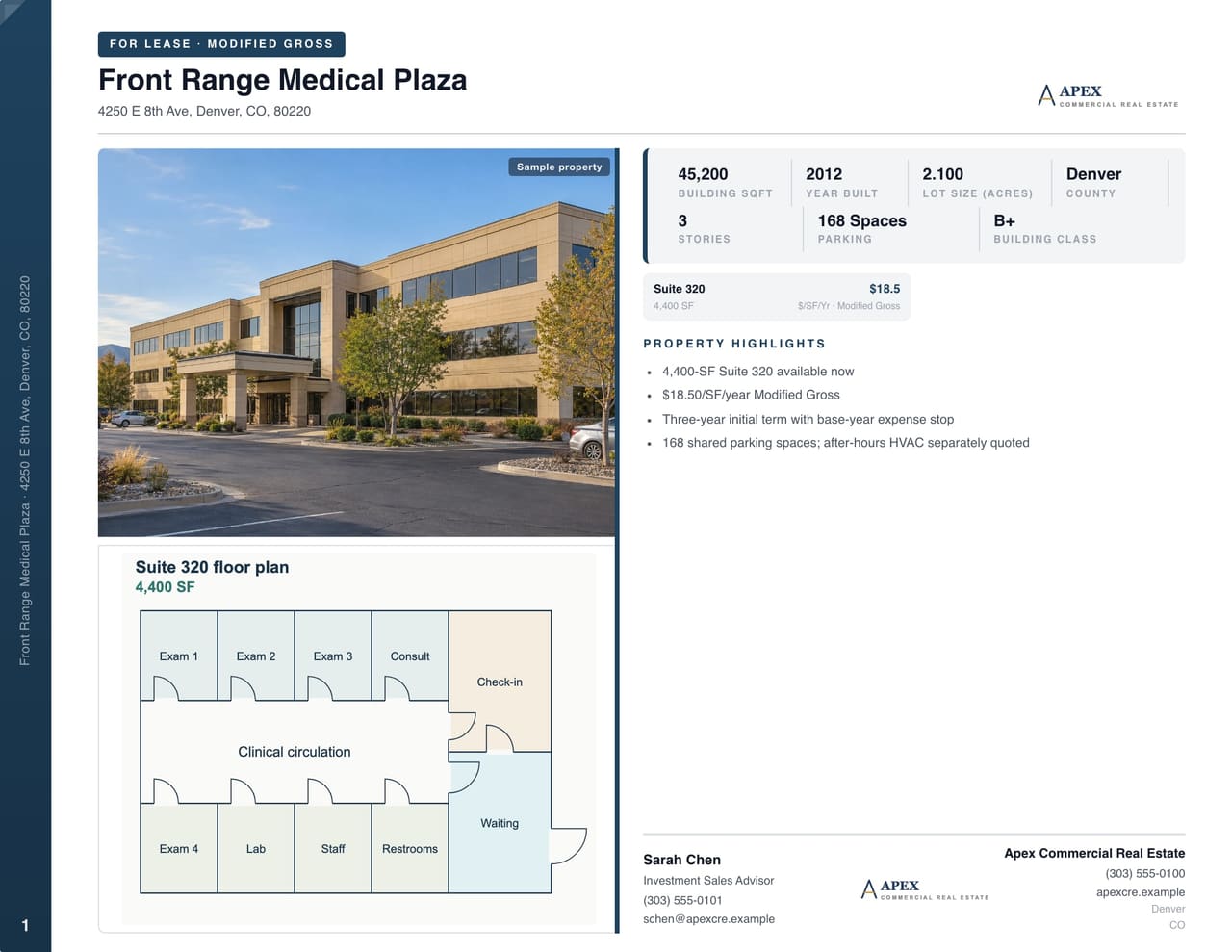
Why it works: The split layout gives the photo half the page and the facts the other half, so neither fights for space. The SF range and rate range tell a tenant in one glance whether they're in the right size and price band.
Use it for: Office, medical office and multi-suite buildings with several availabilities.
Example 5: Multifamily for sale
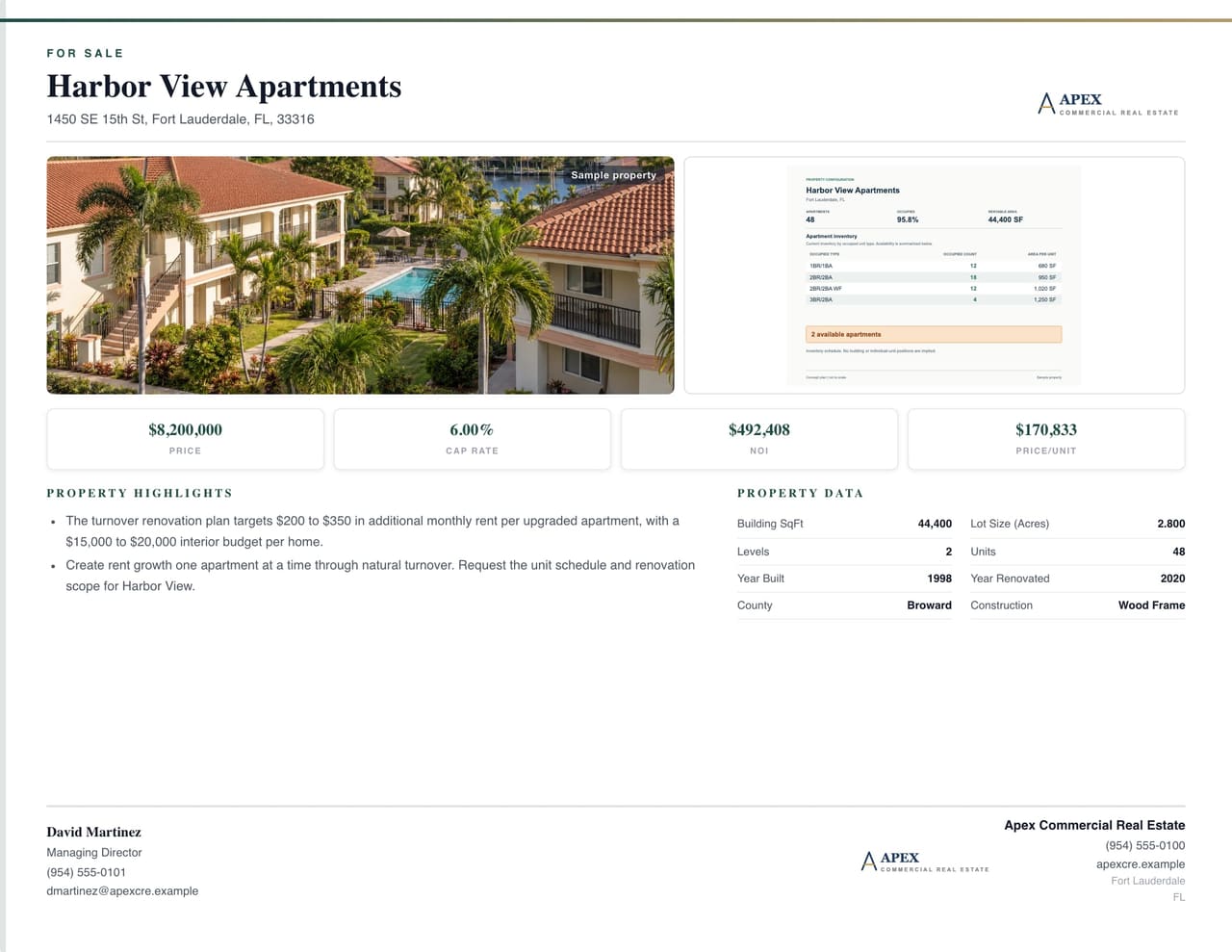
Why it works: The full-bleed photo and dark brand band make it feel premium, which is exactly what you want for a newer asset. Adding the broker headshot turns the flyer into a personal introduction, and in multifamily, relationships close deals. The numbers are tucked into the photo's lower right, so they're there for the investor without crowding the image.
Use it for: Apartment buildings, mixed-use with a residential component, and any listing where your personal brand is part of the pitch.
Flyer mistakes that cost you calls
- Rates without units. "$24" could be monthly, annual, gross or NNN. Spell it out.
- Too many photos. Six thumbnails read as clutter on a phone. Pick the best one.
- A cap rate that doesn't match. If NOI divided by price doesn't equal the cap rate on the flyer, buyers notice, and they start doubting everything else.
- A dead-end flyer. If a buyer wants more, where do they go? Link to the property website or the OM request.
- Putting the rent roll on the flyer. The flyer starts the conversation. Detailed financials, tenant info and leases belong in the offering memorandum or leasing package.
Build yours without opening Canva
Every flyer above came out of CREBuilder's flyer builder. Type the address and the building facts, demographics and map fill in. Add your photo, enter the price and NOI, and the cap rate calculates itself. Your logo and brand colors land on every page.
Already built the OM? Turn it into the flyer in one click. The property data, photos and financials come with it, so the flyer and the book start out with the same numbers.
Browse more sale flyer samples and lease flyer samples. Then put your own listing on the page. Build your first OM free.
Sample properties shown.