Step-by-step tutorial
Your first document in 5 lessons
Go from a blank account to a polished, downloadable marketing document in one sitting.
For brokers creating their first document · 5 lessons
Start tutorial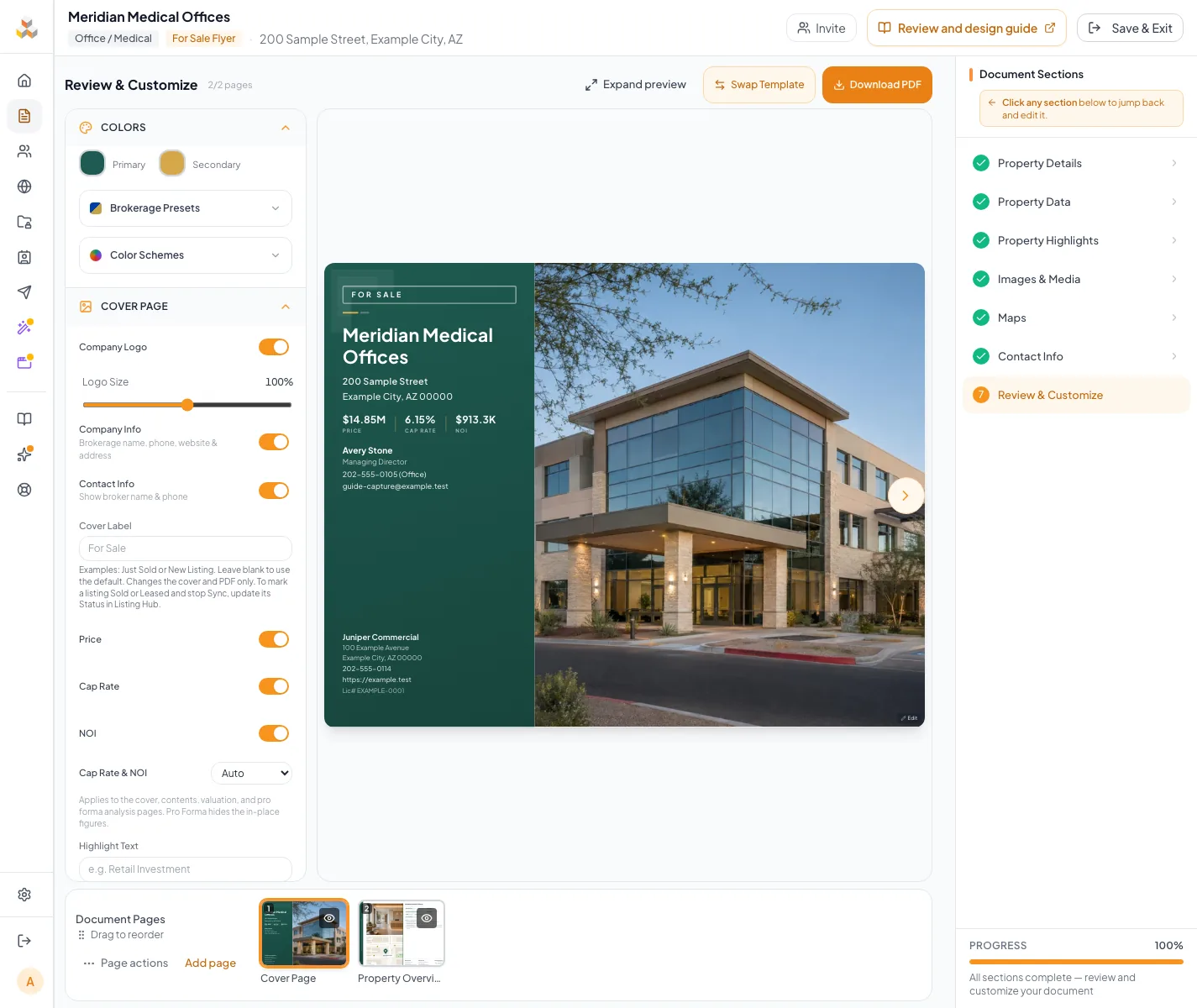
Follow along with video
4 short lessons · 6:00 total. Each lesson has captions, a transcript, and its written guide.
Before you start
- A CREBuilder account, or an email address to create one during setup.
- The property address, asking price or lease terms, and building size.
- A short property description and your best photos, with a strong exterior shot first.
Your lessons
Work through the lessons in order. Skip an optional lesson when it doesn't apply to your property.
Create the document
RequiredChoose the package, property structure, property type, brand color, and template.
Enter property content
RequiredFill in the property facts once and let them flow to every page.
Add media
RequiredUpload, order, and crop your property photos.
Review the document
RequiredPage through the finished design and fix anything at its source.
Download and share it
RequiredSelect Download PDF in Review & Customize, then choose how to share the finished document.
Read guide10 to 20 minutes
Your next OM, done this afternoon
Turn your property facts, photos and financials into a polished, branded offering memorandum. Most brokers finish in 30 to 90 minutes.
No credit card required.