Step-by-step tutorial
Set up CRM and import contacts
Import usable contacts and confirm their ownership, fields, and company links.
For CRM users and team administrators · 5 lessons (4 required)
Start tutorial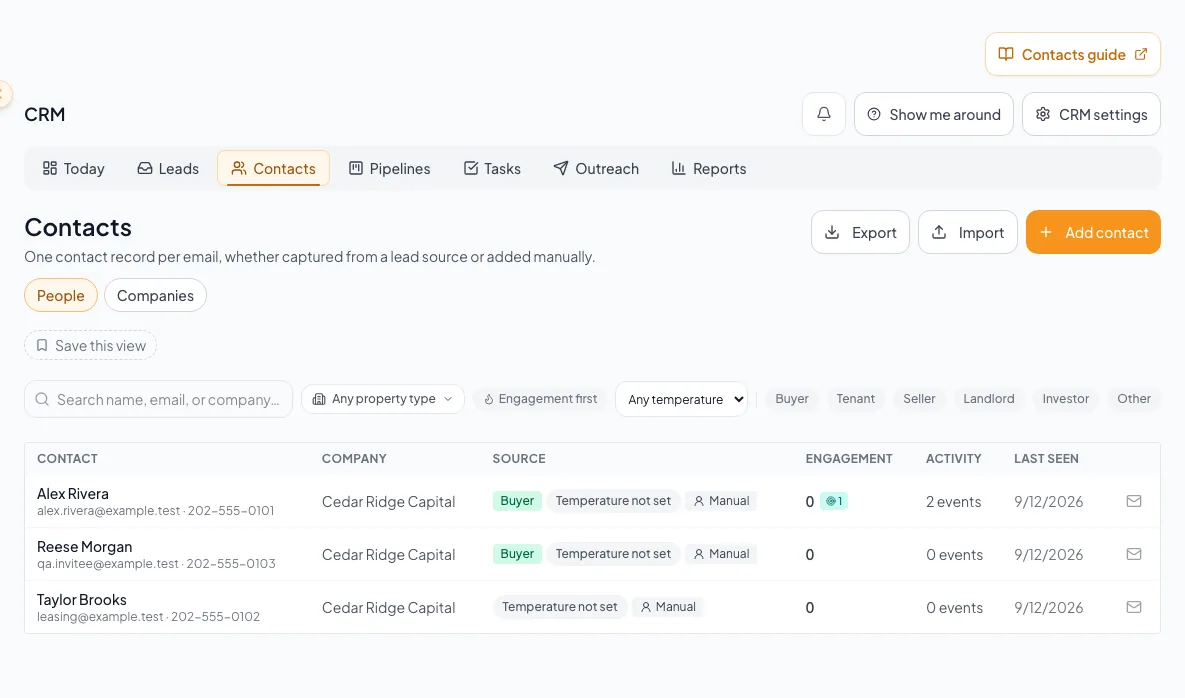
Before you start
- Access to CRM in your account.
- A CSV file of contacts you are authorized to manage.
Your lessons
Work through the lessons in order. Skip an optional lesson when it doesn't apply to your property.
Orient the workspace
RequiredUnderstand records, navigation, scope, and ownership.
Read guide25 to 35 minutes for first setup, then 10 to 20 minutes per daily reviewPrepare and run the import
RequiredMap the current CRM CSV fields, preview every outcome, and commit safe rows.
Read guide20 to 45 minutes, depending on file cleanupResolve import exceptions
RequiredRepair quarantined rows, manage conflicts, and use safe undo only when it remains reversible.
Read guide15 to 45 minutes, depending on unresolved rowsVerify the resulting contacts
RequiredConfirm ownership, company links, tags, and the intended contact view.
Read guide10 to 20 minutesAdd requirements
OptionalTurn usable records into relevant property matching.
When to use this lesson: Continue here when you want to match contact requirements to properties.
Read guide10 to 20 minutes per contact
A CRM that already knows your listings
Track buyers, tenants and deals right next to the OMs, listings and Deal Rooms you build in CREBuilder. Free to start.
No credit card required.