Step-by-step tutorial
Run the daily CRM workflow
Review your daily priorities, update active deals, and complete the next actions.
For brokers, agents, and coordinators · 4 lessons
Start tutorial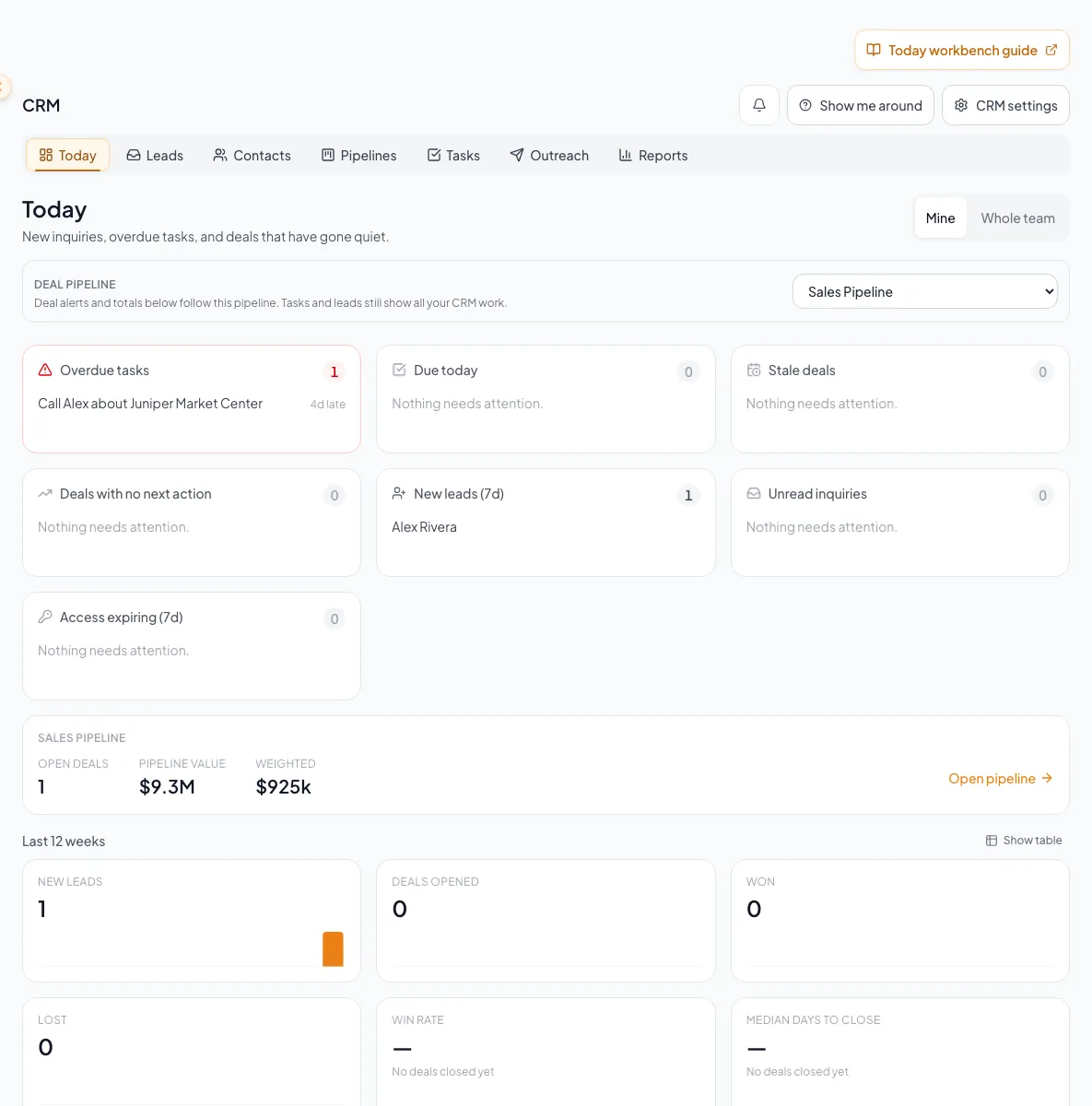
Before you start
- Access to CRM.
- Contacts, deals, or tasks ready for you to work on.
Your lessons
Work through the lessons in order. Skip an optional lesson when it doesn't apply to your property.
Start in Today
RequiredChoose Mine or Whole Team within your existing access and select the relevant queue.
Read guide10 to 20 minutes per reviewAdvance active work
RequiredMove records only after recording the next action.
Read guide10 minutes to learn, then 2 to 5 minutes per decisionComplete the next actions
RequiredCreate, assign, complete, and subscribe to current tasks.
Read guide10 minutes for setup, then daily maintenanceReview results
RequiredRead current KPIs with the correct range and scope.
Read guide20 to 40 minutes per operating review
A CRM that already knows your listings
Track buyers, tenants and deals right next to the OMs, listings and Deal Rooms you build in CREBuilder. Free to start.
No credit card required.