One address. The whole listing package.
This is Olive Grove Plaza, a neighborhood retail center in Glendale, AZ, built in CREBuilder. Every piece below came from the same listing: type the address, add the photos and numbers once, and the rest follows.
The package
The pieces a buyer actually sees, in your brokerage's branding.
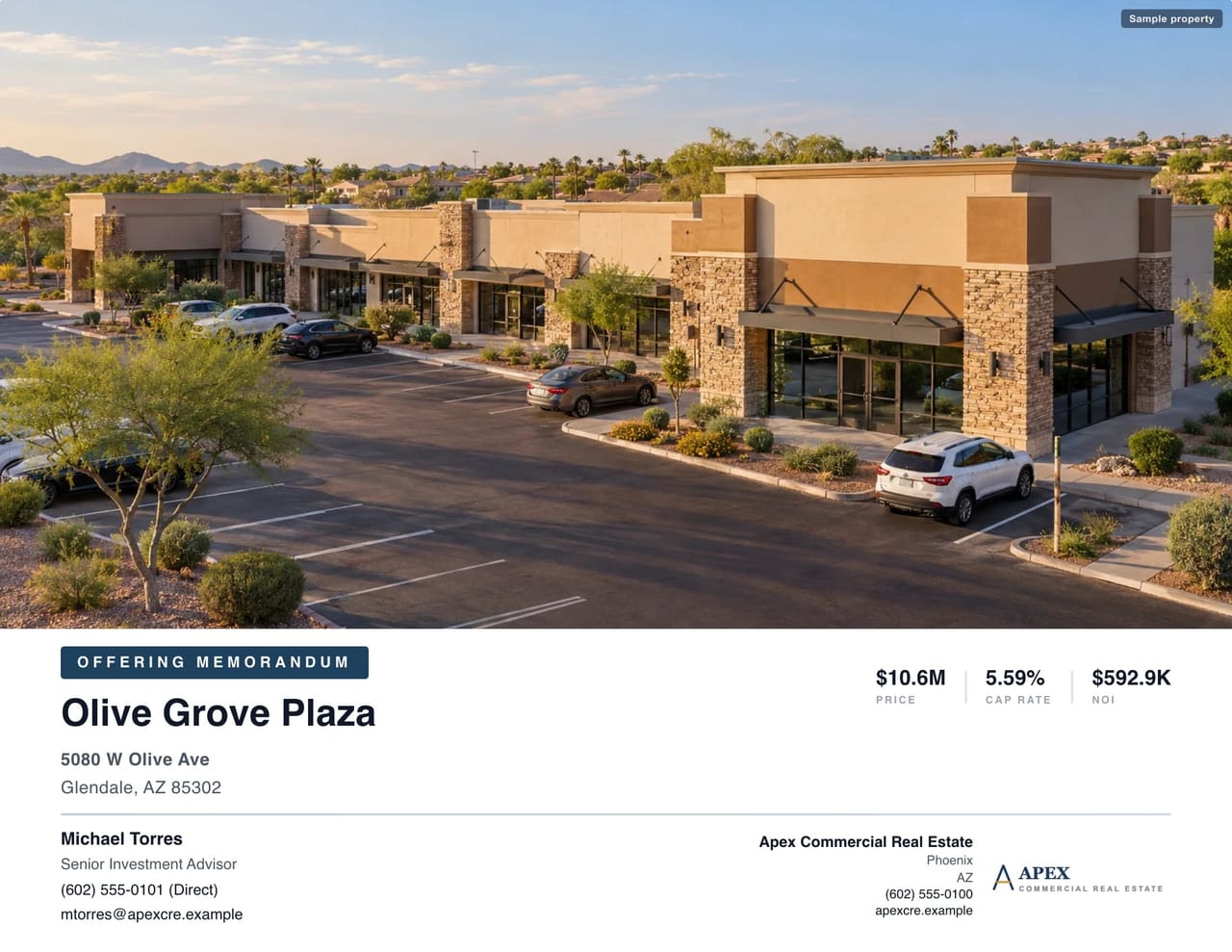 Sample property
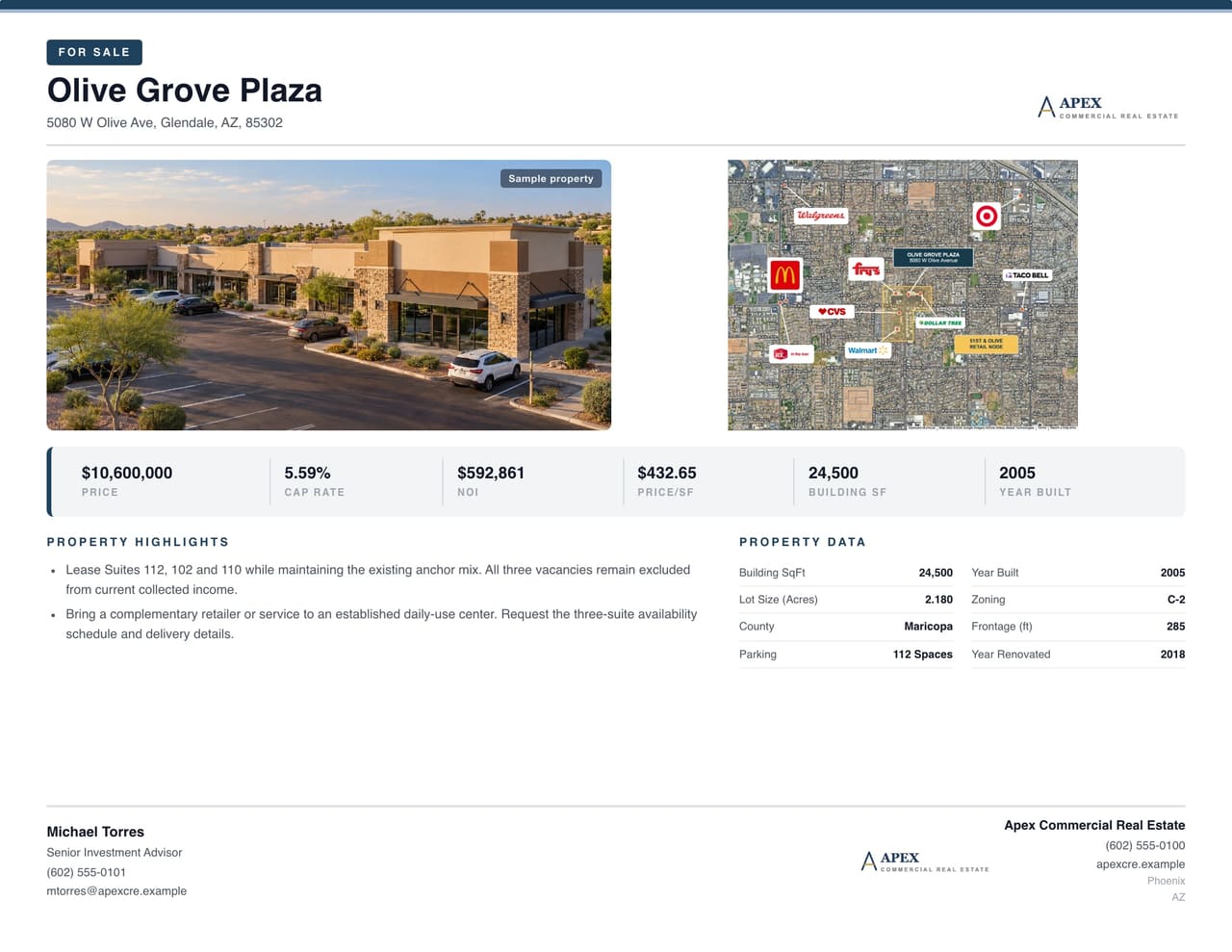 Sample property
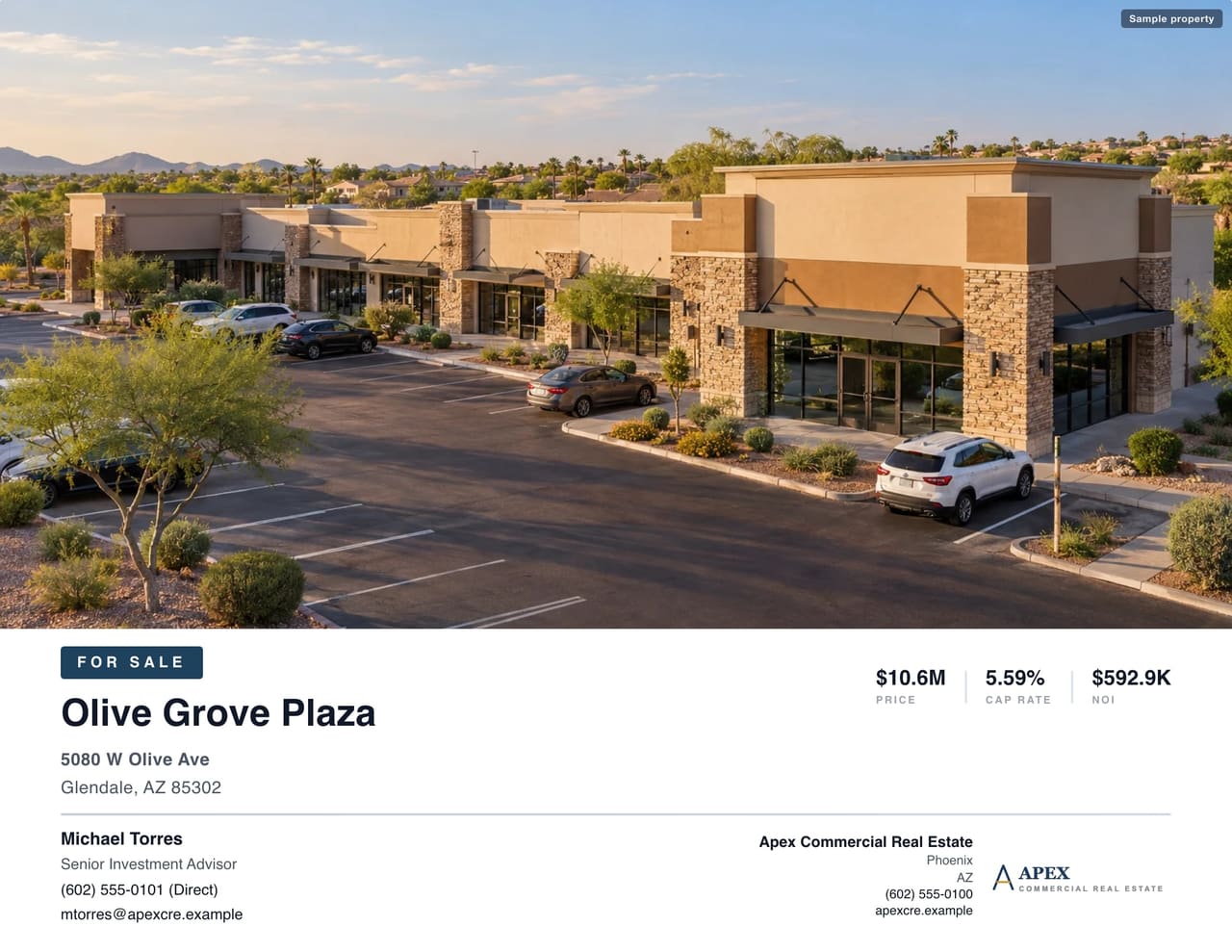 Sample property
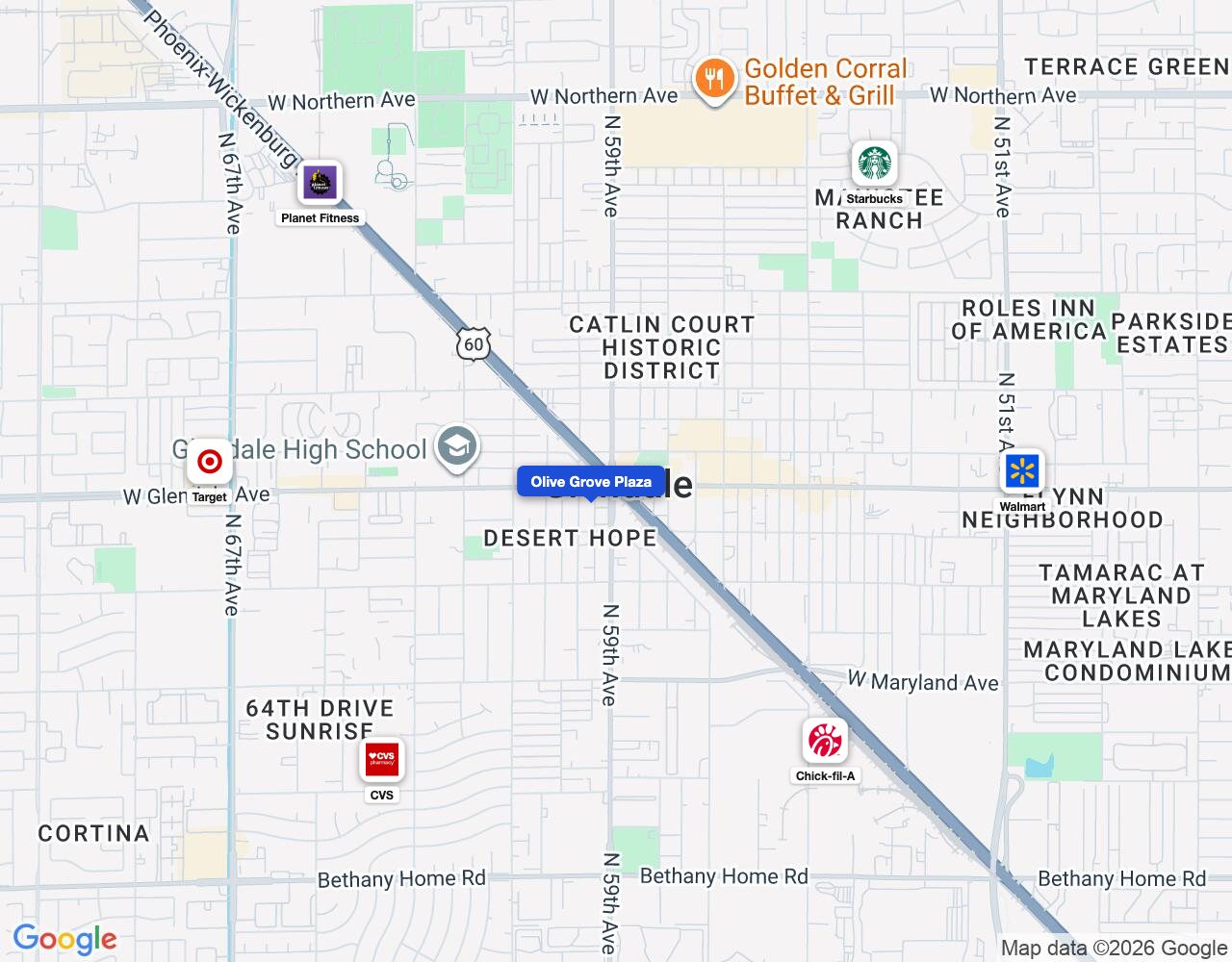 Sample property
Launch week, in five moves
Build the OM first
Type the address. CREBuilder fills in the building facts, 1/3/5-mile demographics, market overview and map. Enter the price and NOI and the cap rate calculates itself.
Spin off the flyer and teaser
Finished the OM? Convert it to a flyer, teaser, leasing package or BOV in one click, with the photos and financials already in place.
Show buyers the co-tenancy
Search any retailer, drop its logo on the map around your subject, and export it into the OM.
Give the listing a home Pro
Every OM gets its own property website. Keep the rent roll behind an e-signed NDA in a Deal Room, and see which buyer opened the OM and who downloaded the rent roll.
Send it to the buyers who fit Pro
CREBuilder matches buyers in your CRM on asset type, market, size, price and cap rate. Turn the listing into an email blast to that list, and every inquiry lands in your CRM with the property attached.
Your launch kit
Tick them off as you go.
Bring a polished OM to your next listing pitch.
Type an address and watch the OM build itself.
Build your first OM freeBuild and preview free, no credit card. PDF export, property websites and Deal Rooms are Pro.